Why LED Strip Lights Flicker and How to Fix It
Flicker at full brightness, flicker when dimmed, a ghost glow when the switch is off and banding on camera all have different causes. Here's how to tell them apart and fix each one.

LED strip flickering almost always traces back to one of four things: a bad connection, a driver that's undersized or failing, a dimmer that doesn't match the driver, or leakage current reaching the strip when it should be off. The strip itself is rarely the problem. LEDs follow their power supply faithfully, so when the light wavers, something upstream is wavering too.
The fastest way to fix it is to notice when it flickers. Flicker at full output points to power and connections. Flicker only when dimmed points to the control. A faint glow or blink with the switch off points to the line-voltage side. Flicker you only see through a phone camera points to PWM frequency. Below, each one in turn, then a troubleshooting order that works.
Flicker at Full Brightness: Power and Connections
If the strip flickers with no dimmer in the circuit, or with the dimmer at 100%, start here.
Loose or corroded connections. A screw terminal that wasn't torqued, a clip connector that isn't fully seated, or a solder joint that cracked when the strip was pressed into a channel will make and break contact as it warms up. That shows as random flicker, often worse when the strip has been on for a while or when someone closes a cabinet door. Outdoors, green or white corrosion on a terminal does the same thing. Wiggle each joint gently with the light on: if the flicker changes, you've found it.
An undersized or overloaded driver. Most constant-voltage drivers protect themselves when the load exceeds their rating. Many go into "hiccup" mode: they cut out and restart over and over, which reads as a rhythmic pulse. A driver running at 95–100% of its rating may hold for a few minutes and then start cycling as it heats up.
A failing driver. Drivers wear out, mostly from heat. A driver sealed in an unventilated cabinet or ceiling cavity ages fast, and the electrolytic capacitors that smooth its output are usually the first to go. The symptom is flicker or a visible shimmer that wasn't there at installation, sometimes with a faint buzz from the driver.
Voltage drop on long runs. On its own, voltage drop makes the far end dimmer or warmer rather than flickery. It becomes a flicker problem when the voltage at the end of the run sits right at the edge of what the strip's on-board regulation needs, or when it combines with dimming. If only the far end flickers, measure the voltage there. Our article on 12V vs 24V voltage drop has the full math.
Worked example: the 24-foot cove that pulses
A contractor calls about a 24 ft cove that pulses every few seconds. The strip is 24V at 4.4 W/ft on a 96 W driver.
- Load: 24 ft × 4.4 W/ft = 105.6 W. That's already over the 96 W rating before any headroom.
- Current at 24V: 105.6 W ÷ 24 V = 4.4 A.
- Driver size with the 80% rule: 105.6 W ÷ 0.8 = 132 W, so the next standard size up is a 150 W driver.
- If the job calls for Class 2 power sources (limited to 100 VA each under NEC Article 725), split the run instead: two 12 ft halves at 52.8 W each, each needing 66 W of driver capacity. Two Class 2 drivers of 96 W each cover it with room to spare.
The pulsing was the driver hiccuping. Re-sizing fixed it with no change to the strip. The power supply calculator does steps 1–3 for you, and powering LED strips covers where to place drivers and how to split loads.
Flicker When Dimmed: Dimmer and Driver Mismatch
Flicker that appears only below full brightness is a control problem in nearly every case. The dimmer and the driver have to speak the same language, and there are several.
| Dimming method | Where the dimmer sits | Driver it needs | Typical flicker cause |
|---|---|---|---|
| TRIAC / forward phase (leading edge) | 120V AC, in the wall box | Phase-dimmable driver rated for TRIAC | Load below dimmer minimum, wrong phase type |
| ELV / reverse phase (trailing edge) | 120V AC, in the wall box | Phase-dimmable driver rated for ELV | TRIAC-only dimmer on an ELV driver, or vice versa |
| 0-10V | Low-voltage control pair plus switched 120V | 0-10V dimmable driver | Control wires reversed, run beside line voltage, wrong sink/source |
| DALI | Digital bus | DALI driver | Addressing or bus power faults |
| PWM controller | 12/24V DC, after the driver | Constant-voltage driver (non-dimmable is fine) | Low PWM frequency, undersized controller channel |
The most common mistake is putting a phase dimmer in front of a driver that isn't dimmable at all. It may seem to work at full, then flicker, buzz and fail early. The second most common is mixing phase types: a forward-phase dimmer on a driver that wants reverse phase, or the reverse.
Dimmer minimum load. Many wall dimmers were designed for incandescent loads and need a minimum wattage to work properly. One small LED driver may draw far less than that, so the dimmer's electronics never stabilize and the light flickers at every level. Check the dimmer's spec sheet for its LED minimum, not just its maximum, and either consolidate loads onto one dimmer or choose a dimmer rated for low LED loads.
Low-end limits. Almost every system gets less stable near the bottom of its range. Below a few percent, a phase-dimmed driver may drop out and restart; a PWM controller may show visible steps instead of a smooth fade. Many LED dimmers have a low-end trim adjustment. Set the trim so the lowest setting is just above where flicker starts, and the problem disappears for good.
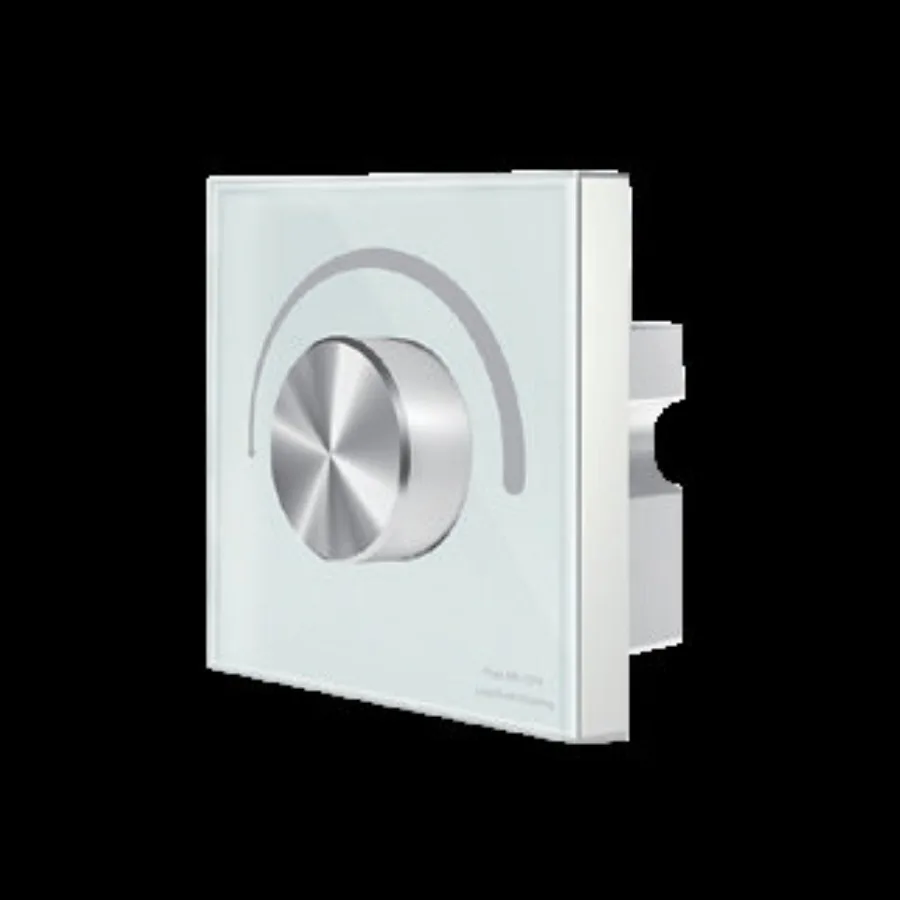
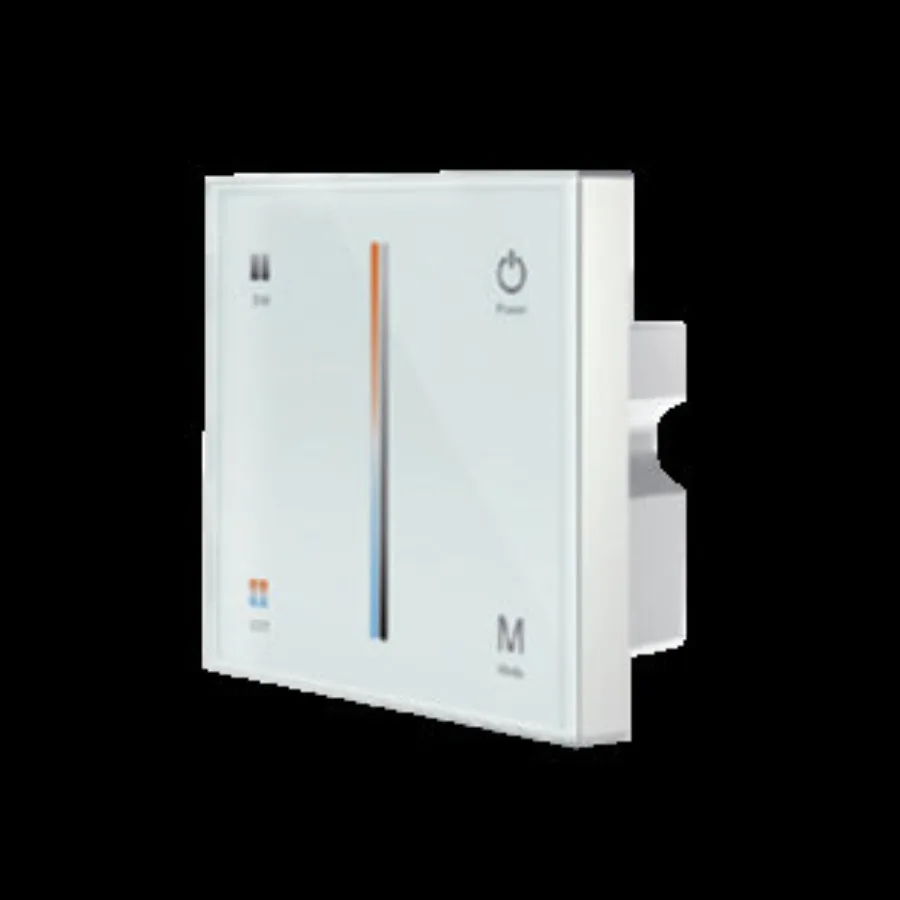
The dimming and control guide explains each protocol in more detail, and the dimmable drivers category lets you match the driver to the dimmer that's already in the wall.
Glow or Flicker When the Light Is Off
A strip that glows faintly or flashes every few seconds with the switch off is getting a trickle of current it shouldn't. LEDs need very little current to light visibly, so small leakage that would never show on an incandescent bulb shows clearly on LED strip.
Illuminated and smart switches. A switch with a locator light, or a smart switch that has no neutral connection, powers its own electronics by passing a small current through the load. The driver's input capacitors charge from that trickle until the driver briefly starts, flashes the strip, and drains again. The fix is a switch that uses a neutral, a plain switch, or a load-correction device the switch maker specifies.
Electronic dimmers that are "off" but not open. Some electronic dimmers turn off the output electronically rather than with an air-gap contact. A small leakage current remains. Same symptom, same family of fixes.
Coupling on long or shared wiring. Long switch legs running in the same cable as other live conductors, 3-way switching, and shared neutrals can couple a small voltage onto the driver input even when the switch is open. A switch wired in the neutral instead of the hot is a code issue and also leaves the driver energized. This is exactly the work to hand to a licensed electrician: verify that the switch breaks the hot conductor and that each circuit's neutral is correct.
Switching the DC side vs the AC side. If you switch or dim on the 12/24V side (a DC switch or PWM controller after the driver), the driver stays energized, and an "off" controller that still leaks a tiny PWM signal can leave a faint glow. Switching the AC side removes power from the driver entirely, which stops glow but means the driver restarts every time. Neither approach is wrong. Know which one you have before diagnosing.
Flicker on Camera and Phones
If the strip looks steady to the eye but shows rolling bands on a phone screen or video, the cause is almost always PWM. Pulse-width modulation dims by switching the LEDs fully on and off many times a second and varying the on-time. A camera with a fast shutter, especially a rolling shutter that reads the frame line by line, catches the off-time as dark bands.
The fix is frequency. A low PWM frequency (a few hundred hertz, typical of inexpensive controllers) bands badly on camera. Controllers and drivers that run PWM in the high kilohertz range band far less, and constant-current reduction dimming (lowering the current instead of chopping it) avoids the problem at the source. If the space will be filmed, photographed or streamed, put "flicker-free for video" in the spec and ask the controller or driver maker for the PWM frequency.
Flicker on camera also matters for people. Some occupants notice stroboscopic effects or get headaches from low-frequency modulation even when they can't see flicker directly. IEEE 1789 is a recommended practice that relates flicker frequency and modulation depth to risk; it's a reasonable reference to cite when an owner asks for "flicker-free" lighting.
Interference From Other Loads and Wiring
Sometimes the strip and its driver are fine, and something else on the circuit is causing the trouble.
- Motor loads. A refrigerator, HVAC blower or garbage disposal on the same circuit can sag the line voltage when it starts. A good driver rides through it; a marginal or overloaded one blinks.
- Shared dimmers. Mixing LED drivers with incandescent or other loads on one dimmer confuses phase dimmers.
- Control wiring beside line voltage. 0-10V and DMX control wires run tightly alongside 120V conductors can pick up noise, which shows as random stutter or flicker. Keep Class 2 control wiring separated as code and the manufacturer require.
- Wireless cross-talk. Two RF remotes paired to overlapping zones will fight each other. Re-pair zones one at a time.
Symptom, Likely Cause, What to Check
| Symptom | Likely cause | What to check |
|---|---|---|
| Random flicker, worse after warm-up | Loose or cracked connection | Wiggle-test every joint; re-seat clips, re-solder cracked joints |
| Regular pulse or flash every few seconds | Overloaded driver in hiccup mode | Total watts vs driver rating; size at load ÷ 0.8 |
| Shimmer or buzz that developed over months | Failing driver, often heat-aged | Driver ventilation; swap in a known-good driver |
| Only the far end flickers or dims | Voltage drop | Voltage at both ends of the run; feed gauge; add a second feed |
| Flicker only when dimmed | Dimmer and driver method mismatch | Dimmer type vs driver type; LED minimum load |
| Flicker only at the lowest settings | Low-end instability | Dimmer low-end trim |
| Faint glow or blink with the switch off | Leakage from lit, smart or electronic switch | Switch type; neutral; switch breaks the hot |
| Bands on phone or video only | Low PWM frequency | Controller or driver PWM frequency |
| Flicker when an appliance starts | Shared circuit with motor loads | Circuit layout; separate the lighting circuit |
A Troubleshooting Order That Works
Work from the strip back toward the panel, and change one thing at a time.
- Pin down the symptom. Full output, dimmed, off, or camera only? Constant, rhythmic or random? Write it down.
- Bypass the control. With power off, connect the strip directly to the driver output, skipping the controller or DC dimmer. Power up. If the flicker stops, the control is the problem.
- Measure the driver output. Set your meter to DC volts and read the driver terminals with the load connected. A 24V driver should read close to 24V and hold steady. A reading that jumps around points to the driver or an overload.
- Check the load against the rating. Add up feet × W/ft for everything on that driver and compare with its nameplate. Above 80% of the rating, size up or split.
- Measure at the strip. Read the voltage at the start and the far end of each run. A large difference means voltage drop; a missing reading means an open connection.
- Inspect every joint. Clips fully seated, terminals tight, no green corrosion, no cracked solder at bends.
- Swap the driver. A known-good driver of the right size settles whether the original is failing.
- Look at the line side. If the problem is only when dimmed or when off, have an electrician check the dimmer type, the switch type, the neutral and what else shares the circuit.
Common Mistakes
- Sizing the driver to 100% of the load. It works on day one and starts cycling once the cabinet warms up. Always size at load ÷ 0.8.
- Putting a wall dimmer in front of a non-dimmable driver. It's the single biggest source of "it flickers when I dim it" calls.
- Assuming any "LED dimmer" works with any dimmable driver. Match the method: TRIAC, ELV, 0-10V, DALI or PWM.
- Burying the driver in insulation or a sealed box. Heat shortens driver life more than anything else.
- Fixing glow-when-off by swapping strips. The strip is the messenger. The leakage comes from the switch or the wiring.
- Specifying a cheap low-frequency controller for a space that will be filmed. Ask for the PWM frequency before you buy, not after the photographer arrives.
Frequently asked questions
Why is my LED strip flickering?
The most common causes are a loose or corroded connection, a driver that's overloaded or failing, and a dimmer that doesn't match the driver. If the flicker only happens when dimmed, check the dimmer and driver first; if it happens at full brightness, check connections and driver size.
Why do my LED strip lights flicker on a dimmer?
Usually the dimmer and driver use different dimming methods, such as a TRIAC dimmer on a driver that wants ELV or 0-10V, or the driver isn't dimmable at all. A load below the dimmer's LED minimum and a low-end trim set too low also cause flicker.
Why do my LED strips glow or flicker when turned off?
A small leakage current is reaching the driver, typically from an illuminated switch, a smart switch without a neutral, or an electronic dimmer that doesn't fully open the circuit. Coupling on long or shared wiring can do the same, and an electrician should confirm the switch breaks the hot conductor.
Why do LED strips flicker on camera but not to the eye?
The strip is dimmed with low-frequency PWM, which switches the LEDs on and off faster than your eye can see but slow enough for a camera shutter to catch. A controller or driver with high-frequency PWM or constant-current dimming fixes it.
Can a power supply that's too small make LED strips flicker?
Yes. An overloaded driver often goes into protection mode, cutting out and restarting every few seconds, which looks like a regular pulse. Size the driver at the total load divided by 0.8.
Specify with ENKORA
Working on a project? Send us the drawings and we will propose strips, profiles and drivers that fit together.